
Our Latest Articles
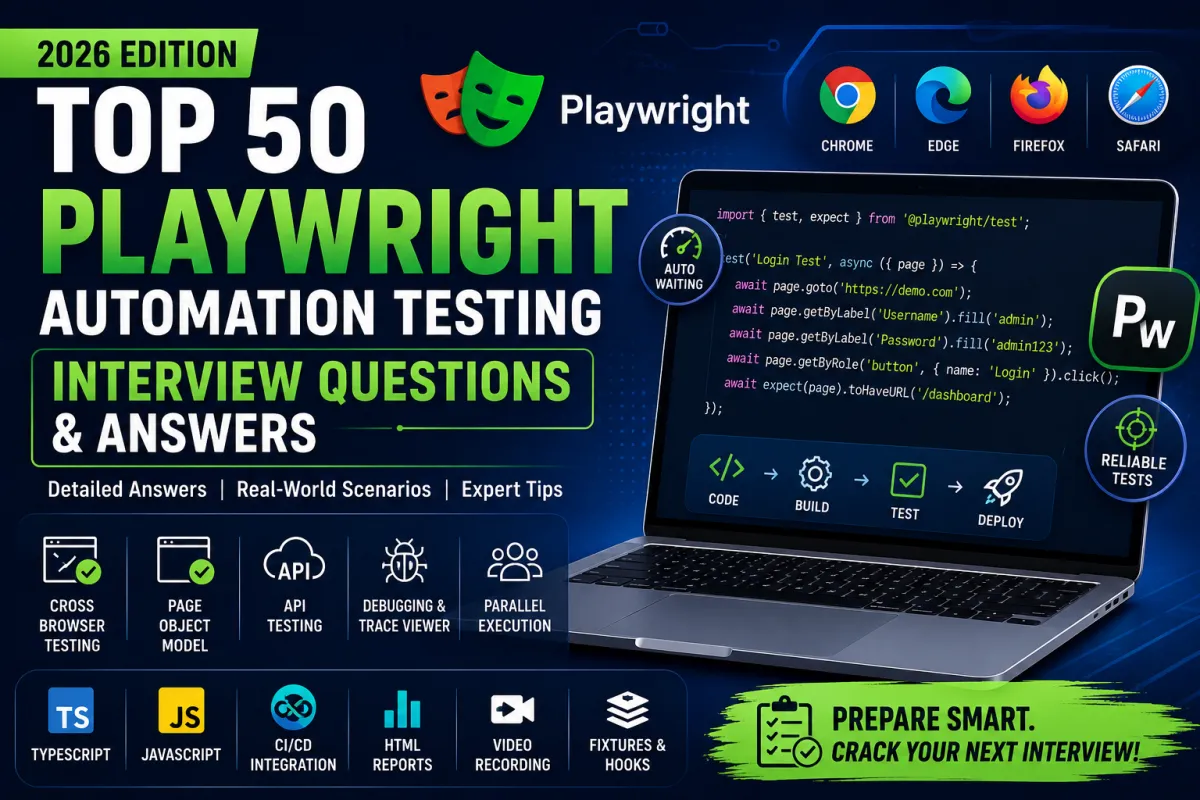
Top 50 Playwright Automation Testing Interview Questions and Answers (2026)
Playwright has become one of the most popular automation testing frameworks due to its speed, reliability, and cross-browser support. Many organizations are replacing Selenium with Playwright because of its modern architecture, built-in waiting mechanisms, API testing capabilities, and excellent support for parallel execution.
If you're preparing for a QA Automation Engineer, SDET, Software Test Engineer, or Automation Test Lead interview, this guide covers the top 50 Playwright interview questions with detailed answers and practical examples.
Table of Contents
Playwright Fundamentals
Locators & Selectors
Page Object Model
Auto-Waiting
Frames & Windows
API Testing
Playwright Test Runner
CI/CD Integration
Debugging & Reporting
Scenario-Based Questions
Section 1: Playwright Fundamentals
1. What is Playwright?
Answer
Playwright is an open-source browser automation framework developed by Microsoft. It supports end-to-end testing across Chromium, Firefox, and WebKit using a single API.
Key Features
Cross-browser testing
Cross-platform support
Auto-waiting
Parallel execution
API testing
Mobile emulation
Multiple tabs
Network interception
Screenshots & videos
Trace Viewer
2. Why Playwright over Selenium?
PlaywrightSeleniumAuto WaitingManual waits requiredFaster executionComparatively slowerAPI Testing includedSeparate libraries neededMultiple browser contextsLimited supportBuilt-in tracingExternal toolsBetter parallel executionConfiguration required
3. Which browsers are supported?
Playwright supports:
Chromium
Google Chrome
Microsoft Edge
Firefox
Safari (WebKit)
4. What programming languages are supported?
JavaScript
TypeScript
Python
Java
.NET (C#)
5. Explain Browser, Context, and Page.
Browser: Represents the browser instance.
Browser Context: An isolated browser session with separate cookies and storage.
Page: A browser tab within a context.
Example:
const browser = await chromium.launch();

const context = await browser.newContext();

const page = await context.newPage();
Section 2: Locators
6. What are Playwright Locators?
Locators identify UI elements for interaction.
Examples:
page.getByRole()

page.getByText()

page.getByLabel()

page.getByPlaceholder()

page.getByTestId()

page.locator()
7. Which locator strategy is recommended?
Priority:
getByRole()
getByLabel()
getByPlaceholder()
getByTestId()
CSS Locator
XPath (last option)
8. Difference between locator() and getByRole()
locator() accepts CSS/XPath selectors and is flexible.
getByRole() uses accessibility roles and is generally more resilient to UI changes.
9. How do you locate dynamic elements?
Examples:
page.locator('tr').filter({
    hasText:'Playwright'
})

page.locator('button').nth(2)

page.locator('[data-testid="login"]')
10. How do you click the first matching element?
await page.locator('.btn').first().click();Section 3: Auto Waiting
11. What is Auto Waiting?
Playwright automatically waits until elements are:
Visible
Stable
Enabled
Ready for interaction
This reduces the need for explicit waits.
12. Why avoid waitForTimeout()?
Using fixed delays:
Slows tests
Makes tests flaky
Doesn't adapt to application speed
Prefer waiting for specific elements or states.
13. How do you wait for an element?
await page.locator('#submit').waitFor({
    state:'visible'
});
14. How do you wait for page load?
await page.waitForLoadState('load');

await page.waitForLoadState('domcontentloaded');

await page.waitForLoadState('networkidle');
15. Explain Explicit Waits vs Auto Waiting
Auto Waiting is built into Playwright for actions like click() and fill().
Explicit waits are used for custom conditions, such as waiting for a specific element or API response.
Section 4: Page Object Model
16. What is Page Object Model?
POM is a design pattern where each page is represented by a class containing locators and methods.
Benefits:
Reusability
Maintainability
Readability
Easier updates
17. Basic POM Structure
export class LoginPage{

constructor(private page:Page){}

readonly username=this.page.getByLabel('Username');

readonly password=this.page.getByLabel('Password');

readonly login=this.page.getByRole('button',{name:'Login'});
}
18. Why use BasePage?
A BasePage stores common actions:
Click
Fill
Wait
Navigation
Screenshots
This reduces duplicate code.
19. How do you organize a Playwright framework?
Recommended structure:
tests/
pages/
fixtures/
utils/
data/
config/
reports/
playwright.config.ts
package.json
20. What are Fixtures?
Fixtures manage reusable setup and teardown logic.
Example:
test.use({
    storageState:'auth.json'
});
Section 5: Frames, Tabs & Windows
21. How do you handle iframes?
await page.frameLocator('#frame')
.getByRole('button')
.click();
22. Handle multiple tabs
const newPage = await context.waitForEvent('page');23. Handle popup window
const popup = await page.waitForEvent('popup');24. Handle browser dialogs
page.on('dialog', async dialog => {

await dialog.accept();

});
25. Upload files
await page.setInputFiles('input', './sample.pdf');Section 6: API Testing
26. Can Playwright test APIs?
Yes.
Playwright provides an APIRequestContext for API testing without requiring additional libraries.
27. GET Request Example
const response = await request.get('/users');
expect(response.ok()).toBeTruthy();
28. POST Request Example
await request.post('/login',{
data:{
username:'admin'
}
});
29. API + UI Testing
A common workflow is to create test data through an API and then validate it in the UI. This reduces execution time and improves test stability.
30. Validate JSON Response
expect(awaitresponse.json()).toHaveProperty('id');Section 7: Playwright Test Runner
31. Features
Parallel execution
Retries
Hooks
Fixtures
Projects
HTML reports
32. Hooks
beforeAll() beforeEach() afterEach() afterAll()33. Run a single test
npx playwright test login.spec.ts34. Run headed mode
npx playwright test --headed35. Debug mode
npx playwright test --debugSection 8: CI/CD
36. Integrate Playwright with Jenkins
Pipeline stages:
Install dependencies
Run tests
Publish reports
Archive artifacts
37. Azure DevOps Integration
Typical YAML steps:
- npm install
- npx playwright install
- npx playwright test
38. GitHub Actions
Example workflow:
- uses: actions/setup-node

- run: npm ci

- run: npx playwright test
39. Why run tests in Docker?
Docker provides consistent execution environments, eliminates machine-specific issues, and simplifies CI/CD integration.
40. Parallel execution
workers:4This speeds up test execution by running tests concurrently.
Section 9: Debugging & Reporting
41. How do you debug Playwright tests?
Playwright Inspector
Trace Viewer
Screenshots
Videos
Console logs
VS Code Debugger
42. What is Trace Viewer?
Trace Viewer records actions, network requests, screenshots, and DOM snapshots, making it easier to diagnose failures.
43. Generate HTML reports
npx playwright show-report44. Capture screenshots
await page.screenshot({
path:'home.png'
});
45. Capture videos
Enable video recording in playwright.config.ts:
use:{
video:'retain-on-failure'
}
Section 10: Scenario-Based Questions
46. A button is visible but Playwright cannot click it. What would you do?
Verify the locator.
Check if another element or overlay is intercepting the click.
Wait for the element to become stable.
Scroll it into view.
Inspect with Playwright Inspector.
Avoid using
force: trueunless absolutely necessary.
47. How do you reduce flaky tests?
Use stable locators.
Rely on auto-waiting.
Eliminate fixed waits.
Isolate test data.
Keep tests independent.
Investigate failures instead of masking them with retries.
48. Your tests pass locally but fail in CI. Why?
Possible causes:
Environment differences
Missing dependencies
Timing issues
Network latency
Browser version mismatch
49. How do you design a scalable Playwright framework?
Use the Page Object Model.
Centralize common actions in a BasePage.
Store test data externally.
Separate configuration by environment.
Integrate reporting and CI/CD.
50. Explain your Playwright automation framework.
A strong answer should include:
Project structure
Page Object Model
BasePage utilities
Fixtures
Environment configuration
Reporting
Logging
CI/CD integration
Test data management
Parallel execution strategy
Interview Tips
Be ready to explain your framework architecture.
Practice writing locators without relying on XPath.
Learn Playwright debugging tools.
Understand CI/CD integration.
Explain how you handle flaky tests.
Prepare real-world examples from your projects.
Demonstrate familiarity with API testing and browser contexts.
Understand the difference between Playwright and Selenium.
Conclusion
Playwright has become a leading framework for modern web automation due to its speed, reliability, and rich feature set. Success in a Playwright interview depends on more than memorizing commands—you should understand automation design patterns, debugging strategies, CI/CD integration, and real-world testing scenarios.
Master these 50 questions, practice building frameworks, and gain hands-on experience with end-to-end, API, and cross-browser testing to confidently prepare for your next QA Automation Engineer, SDET, or Playwright Automation Engineer interview.


Facebook
Instagram
X
LinkedIn
Youtube
WhatsApp